|
We are not affiliated with the USAF or
Lockheed.
Our entire operation is supported entirely by people like you.
As our parents, grandparents and friends who were "hands
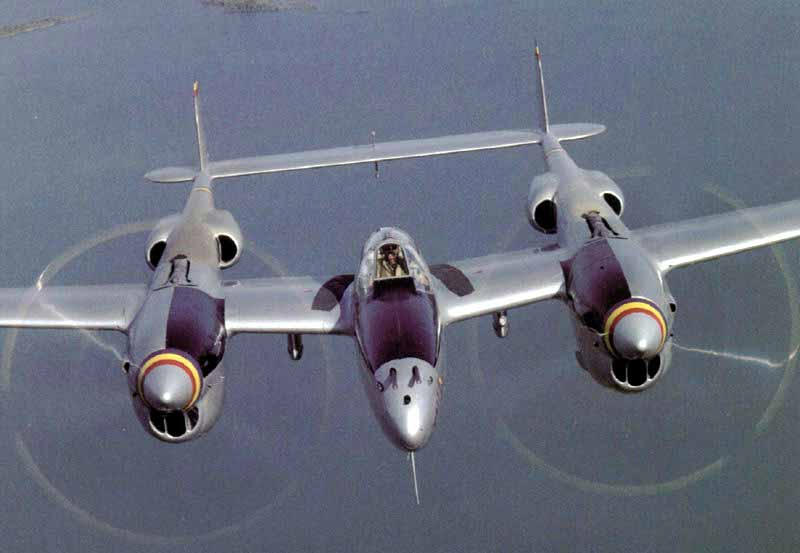
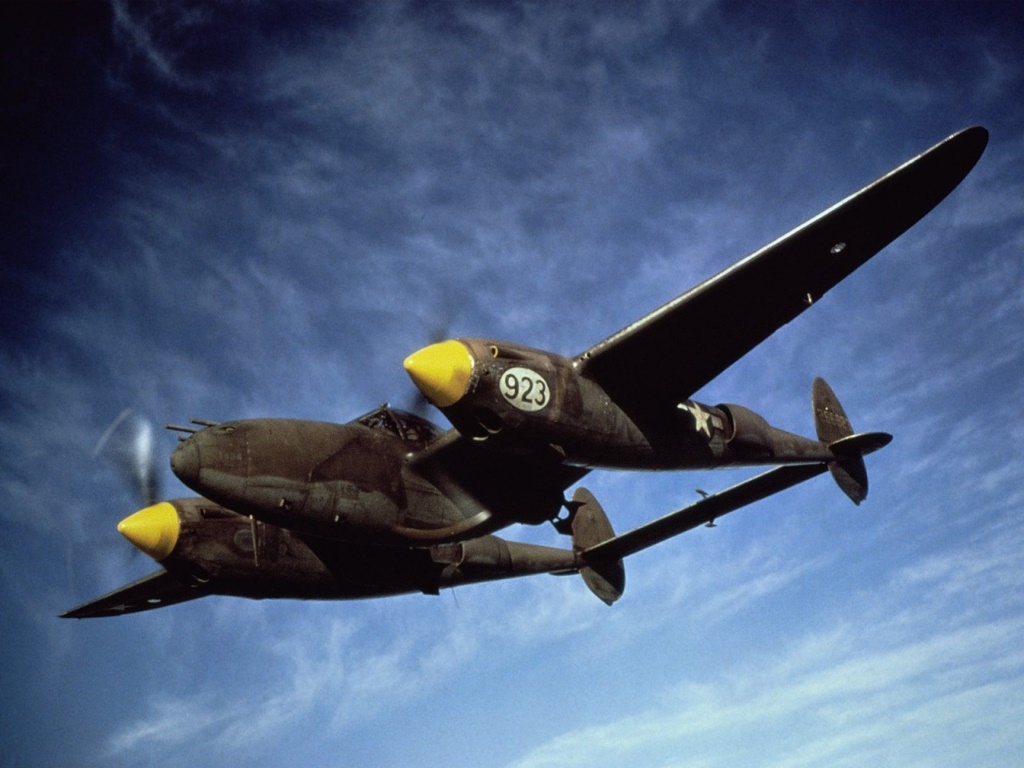
on" with the P-38 Lightning are continuing to leave us, keeping this website
available as a tribute to them is vital. This aircraft was an important
part of their lives and their history, and to carry on this legacy, we need
funding.
What would you pay for a good aviation
DVD or book? If you enjoy this website, please consider a financial
contribution of the same amount to help defray our increasing costs and ensure
that this part of aviation history continues to be available to people all
over the world.
We have
a page to thank our website's financial
contributors and will add your name when you
make a contribution. No donation is too small, after all $1 from a million visitors
will keep us going a very long time!
It's easy to help...just click on the button below.
The copyright to all graphics on this
site are held by the original copyright owners.
|